Skip to content

How it works

From checkout to phone.In one tap.

tapnow is on your counter in four steps. You connect your POS, make the receipt your own, and your customer gets it on their phone.

Live in four steps.

You don’t need any technical knowledge. This is everything you do.

  1. 1

    Order and unbox

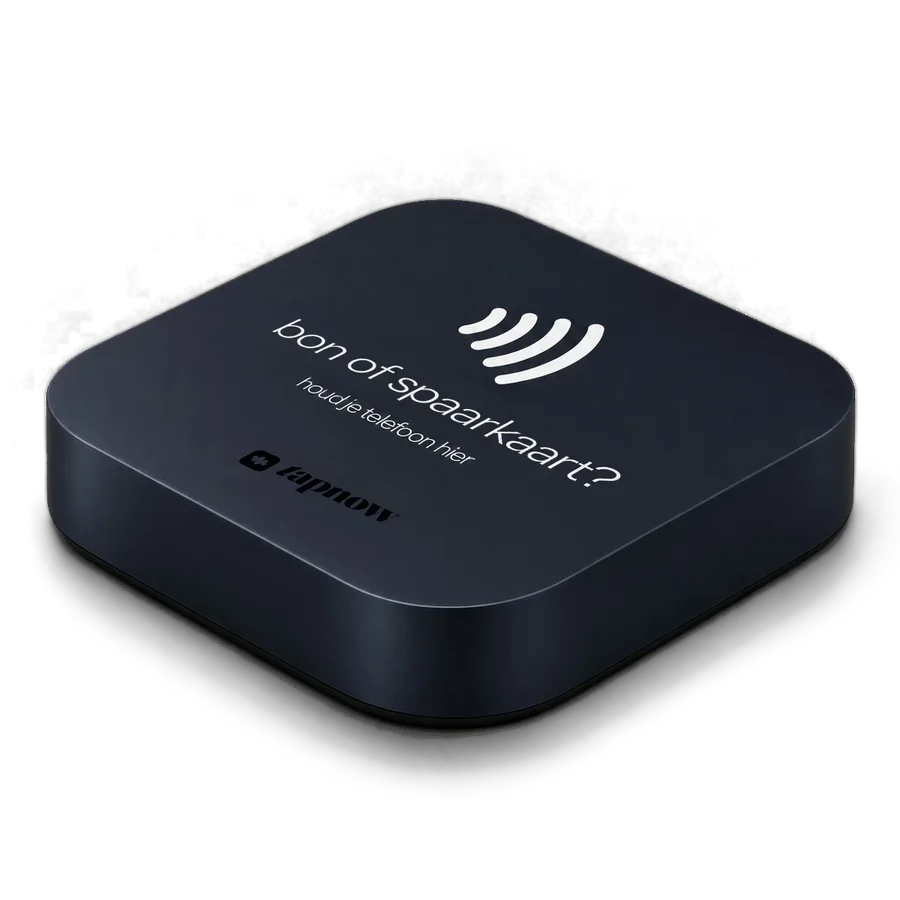
    You order tapnow and the NFC box is shipped to you. It is wireless: no plug, no battery, and no wifi.

    • The box is included with your annual plan
    • No installer involved
    • 30 days money back guarantee
    The tapnow box
  2. 2

    Connect your POS

    Pick your POS system and connect it to tapnow. You link the NFC chip in the box to a URL in your POS, so a tap always opens the receipt for the latest payment.

    • Works with Clover, Lightspeed, Shopify, Square, and Zettle
    • Your POS and payment terminal stay as they are
    • No POS? Skip this step: the box then works for your loyalty card

    Pick your POS

    1. 1Choose Shopify in your tapnow account.
    2. 2Link the box to the URL in Shopify.
    3. 3Make a test payment and tap: there is your first receipt.

    Is your POS not listed? Let us know and we will look into it with you.

  3. 3

    Make the receipt your own

    In the template builder you add your logo, colours, and message. Then you choose what goes below the receipt. Try it here.

    • Your own logo, colours, and message
    • Switch sections on or off with one click
    • You can change it anytime, also later
    • Stamp card in Wallet, with messages

    Sections on your receipt

    • Receipt and Save

    Switch a section on or off and watch what happens on the phone. The receipt itself and the Save button are always there.

    9:41
  4. 4

    Put the box on your counter

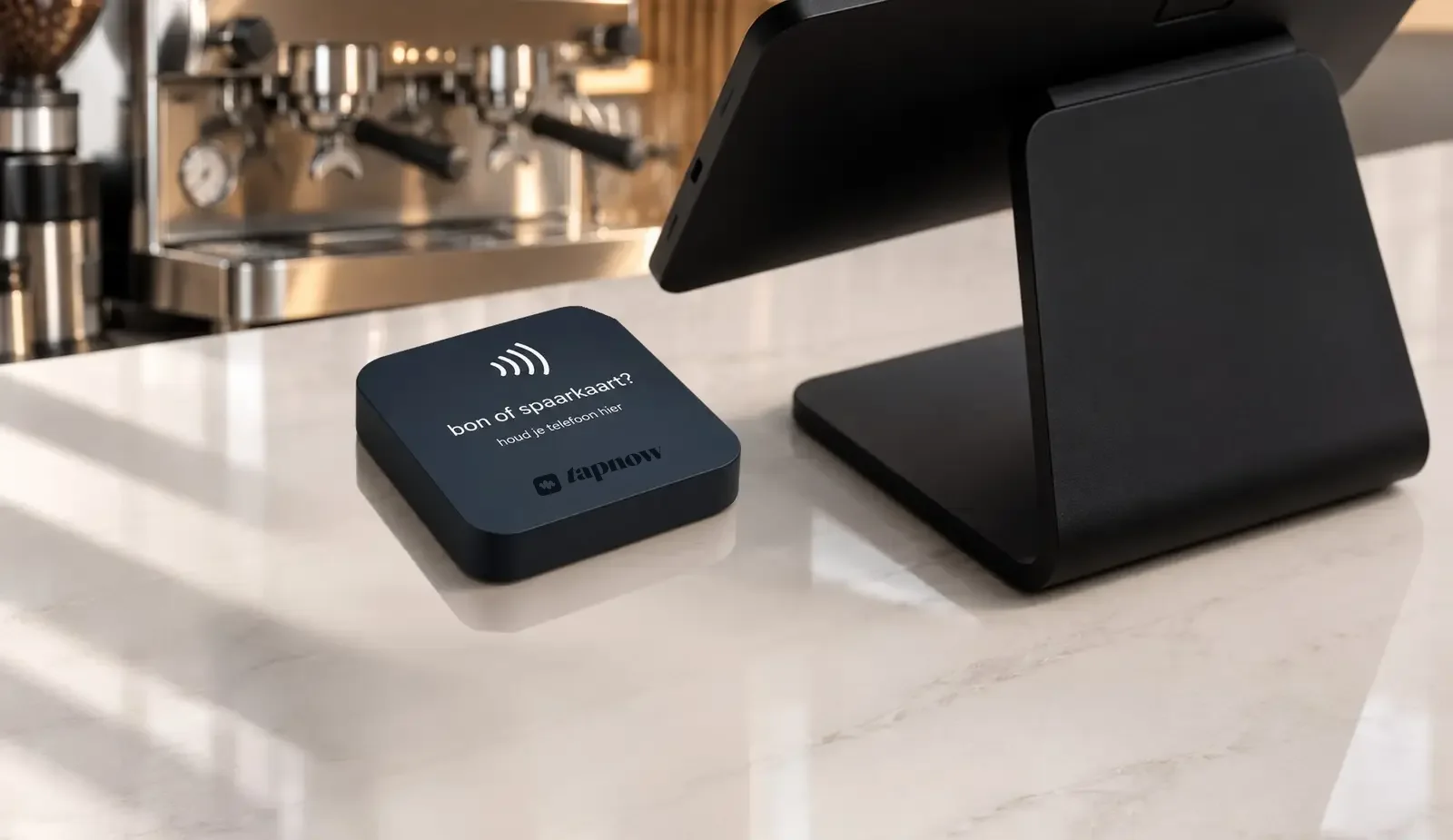
    Place the box next to your payment terminal. After paying by card, your customer holds their phone to it and the receipt opens in the browser.

    • Your customer needs no app and no account
    • Works on phones with NFC
    • Someone still wants paper? You simply print one
    The tapnow box on a counter next to a POS system

No POS system?

Then you collect stamps with the box anyway.

Without a POS connection, the box works for your loyalty card. The idea stays the same: the customer taps and the card is in their Wallet. Your staff just sets the stamp or points ready first.

  1. 1

    Set it ready

    After checkout, your staff enters the number of stamps or the amount for points in tapnow, on the phone or tablet at the counter.

  2. 2

    Tap

    The customer holds their phone to the box. No app and no QR code.

  3. 3

    In their Wallet

    The stamp or points appear on the card in Apple Wallet or Google Wallet right away. Sending messages works just the same.

A digital receipt with products and amounts does need a POS connection. Connect your POS later and the receipt is added automatically.

And then the receipt starts working for you.

Every tap is a chance. Whatever you switch on in the template builder sits below every receipt.

  • More reviews

    A direct link to your Google review page, while the visit is still fresh.

  • Regulars

    A digital stamp card that never gets lost and is always in their pocket.

  • Followers and sign-ups

    Your socials, newsletter, and website sit below every receipt.

  • Customers who come back

    The stamp card lives in their Wallet. You send messages at the right moment: a welcome, a birthday, a reward that's ready or an offer.

More about Wallet & messages

What do you need?

You need

  • For the digital receipt: a supported POS system (Clover, Lightspeed, Shopify, Square, or Zettle)
  • A spot on your counter, next to the payment terminal
  • A tapnow subscription

You don’t need

  • A POS system, if you only want a loyalty card
  • Power or wifi for the box
  • An app for your customer
  • A new POS or payment terminal
  • Technical knowledge

More questions? See the frequently asked questions

Ready for receipts without the paper?

One box on your counter. One tap for your customer. Receipt, review, and stamp card on one page.

get tapnow

30 days money back guarantee

Want to see it first? Book a demo